
FREE · DESIGN-FREE · HIGH-QUALITY DOWNLOADS
Free vision board maker: make yours online in minutes
Free vision board maker: add photos and words and it designs the collage for you. 22 styles, Instagram, story, Pinterest, wallpaper and print sizes.
Your board
Design-free: add photos and words, and the collage arranges itself. Press Shuffle for a new arrangement until you love it.
Tap anything on the board, or pick it below, to change a picture or words.
Tile
Illustrations
How the photo fits
Your board and photos stay in this browser. Nothing is uploaded.
Make it happen: turn any tile into a daily habit
Tap a tile below. The free DailyHabitAI app gives you a small daily step, a reminder and a 30-day plan, all on your phone.
Add pictures or words first, then come back here.
The short answer
A vision board is a collage of pictures and words that stand for what you want in the coming year. To make one online, pick a layout or a themed board, add a picture or phrase for each goal and download it. It works best when each picture becomes one small daily or weekly habit.
How to make a vision board online in 5 steps
- Pick a layout. Life areas if you want balance, Classic grid for a mix of pictures and words, Year by quarter if you like checkpoints.
- Write the goals first. Before any pictures, decide the 3 to 8 things you want this year. Each tile should stand for one of them.
- Add a picture or words to each tile. Use our illustrations, your own photos or a short phrase. Tap a tile to edit it.
- Choose the size. Phone wallpaper for your lock screen, desktop wallpaper for your laptop, or print for the fridge.
- Add the step most boards skip. For each tile, write one small weekly action, then track it. That is what turns a picture into progress.
Which vision board layout should you use?
| Layout | Tiles | Best for |
|---|---|---|
| Classic grid | 10 | Ten tiles around a title. Easy to fill and easy to read at a glance. |
| Life areas | 8 | Eight areas of life around the year in the middle, so nothing important is left out. |
| Collage | 7 | One big dream in the corner, supported by smaller pictures and two words. |
| Year by quarter | 8 | One picture and one goal for each quarter, so the year has four clear checkpoints. |
| Minimal | 6 | Three pictures and three words. Calm, uncluttered and good as a wallpaper. |
| Words and images | 12 | A checkerboard of pictures and short phrases, for people who like words as much as images. |
| Kids | 6 | Six big boxes with simple prompts. Children can draw, glue pictures or pick illustrations. |
| Photo collage (12) | 12 | Twelve photos under a title band. Made for boards with lots of pictures. |
| Photo wall (20) | 20 | Twenty photos around the title, like a wall of pictures. Great as a desktop or phone wallpaper. |
| Polaroid cork board | 9 | Nine tilted polaroids pinned to a cork board, each with a handwritten caption. |
| Mood board | 9 | A Pinterest-style mood board: three columns of pictures in different heights with two phrases. |
| 12 months | 12 | One picture and one small goal for every month of the year. |
| Bucket list | 12 | Twelve pictures, each with a checkbox caption to tick off during the year. |
| Word of the year | 8 | Your word of the year in the center, with eight round pictures around it. |
| Film strip | 10 | Five pictures on a film strip with a phrase under each. |
| Magazine cover | 6 | One big hero picture with smaller ones beside it, like a magazine layout. |
Prefer paper? Print any layout as a blank template from the vision board templates page, and cut out words from the printable vision board words.
Design-free collage styles
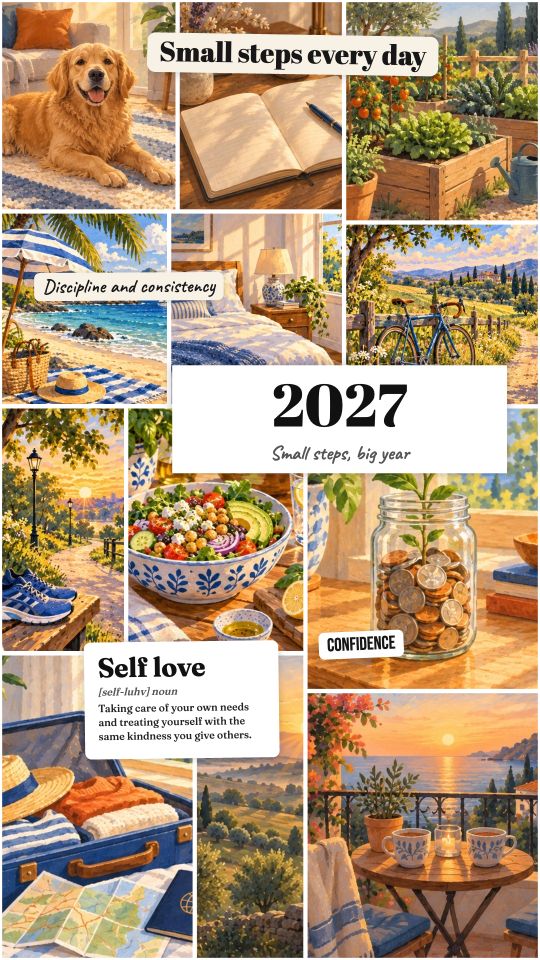
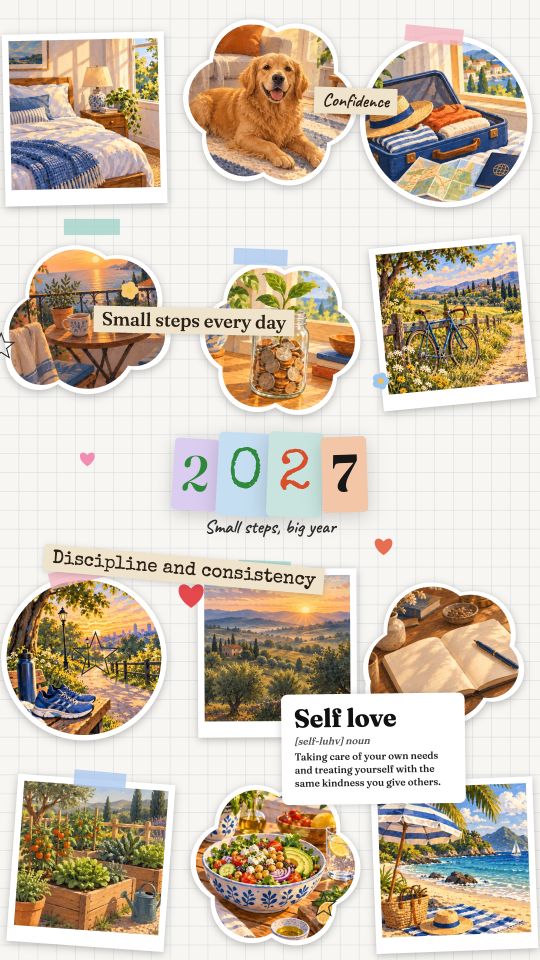
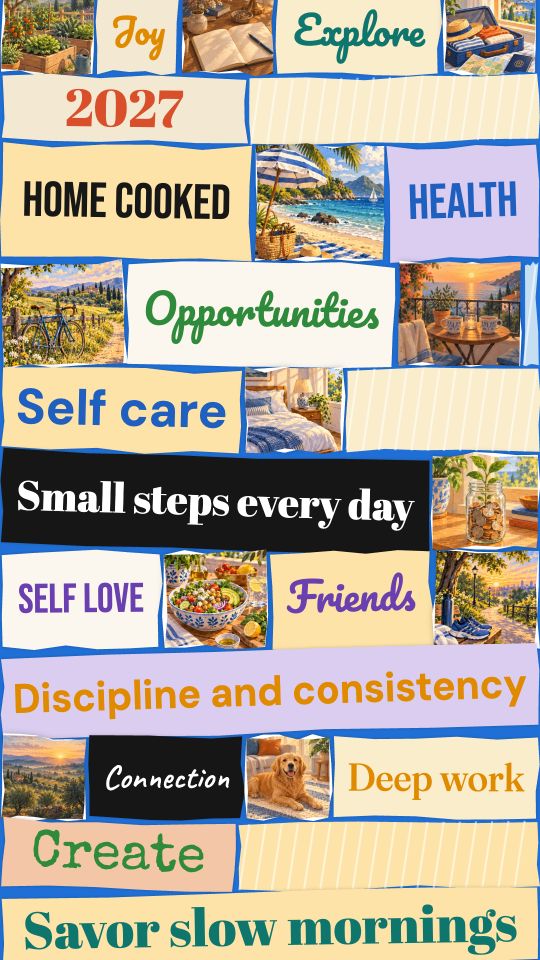
Add your photos and a few words, pick a style and press Shuffle. The maker arranges everything for you, in phone, Instagram, Pinterest, desktop or print sizes, at twice the screen resolution so posts stay sharp.
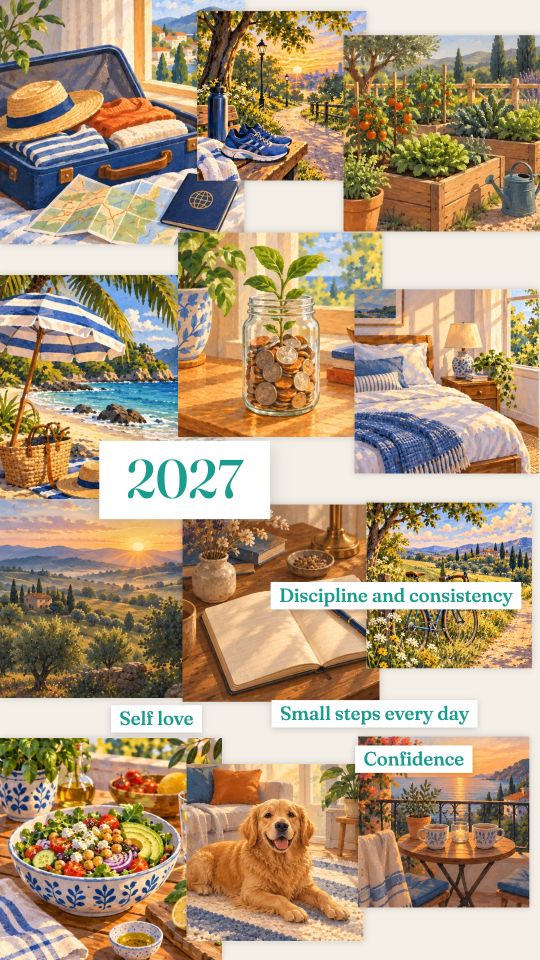
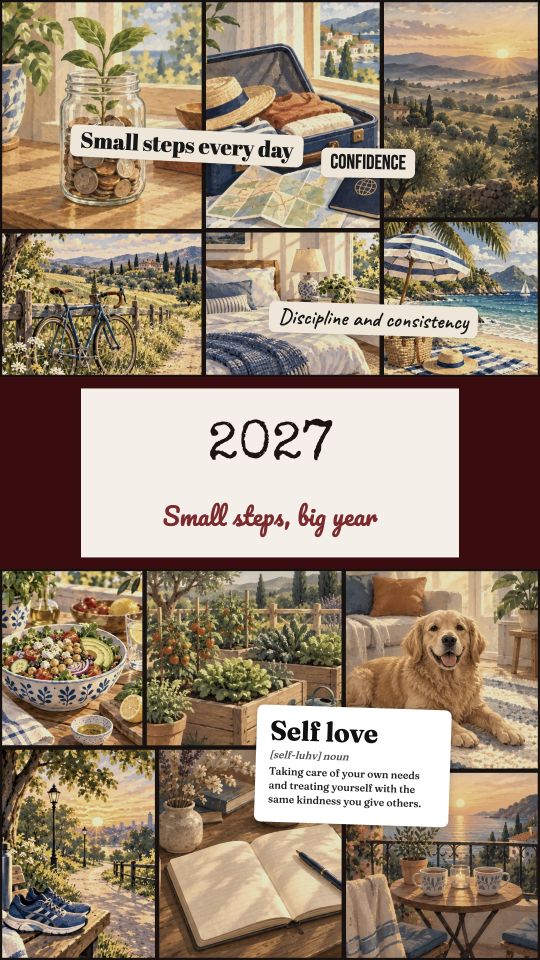
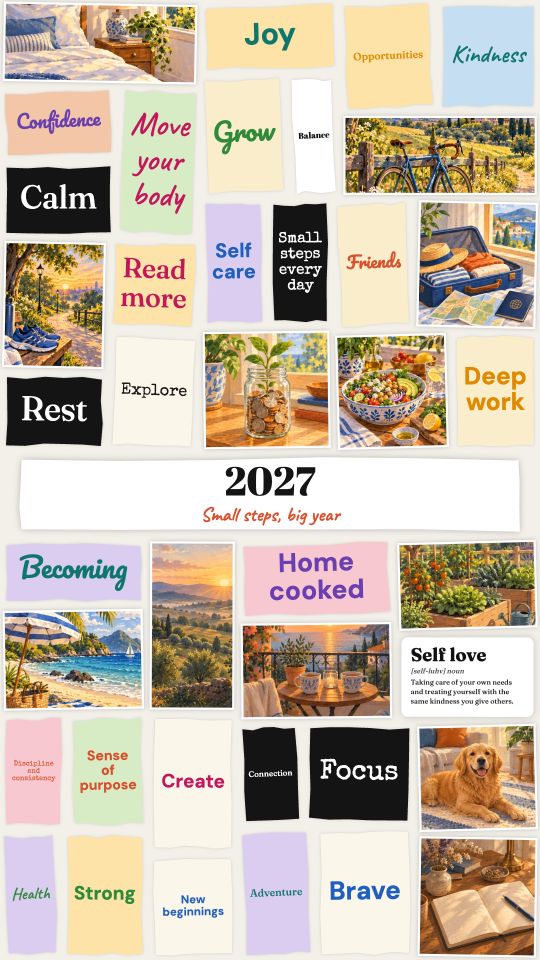
Vision board examples
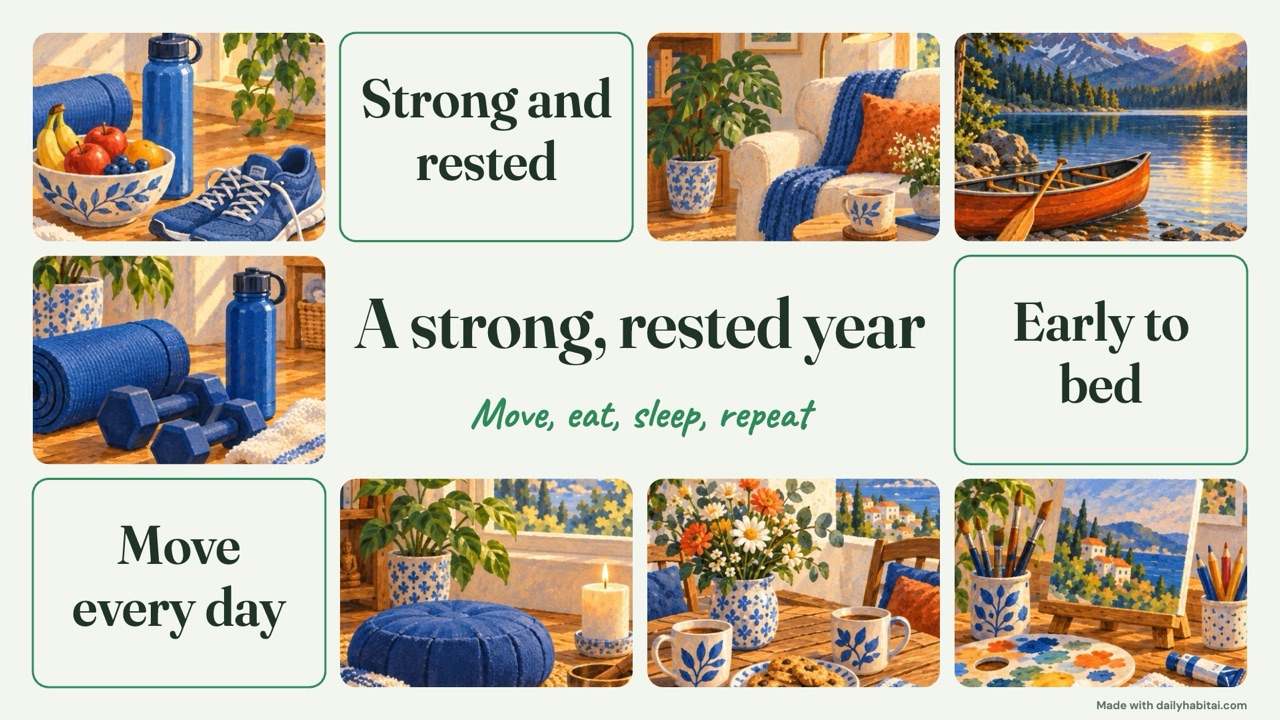
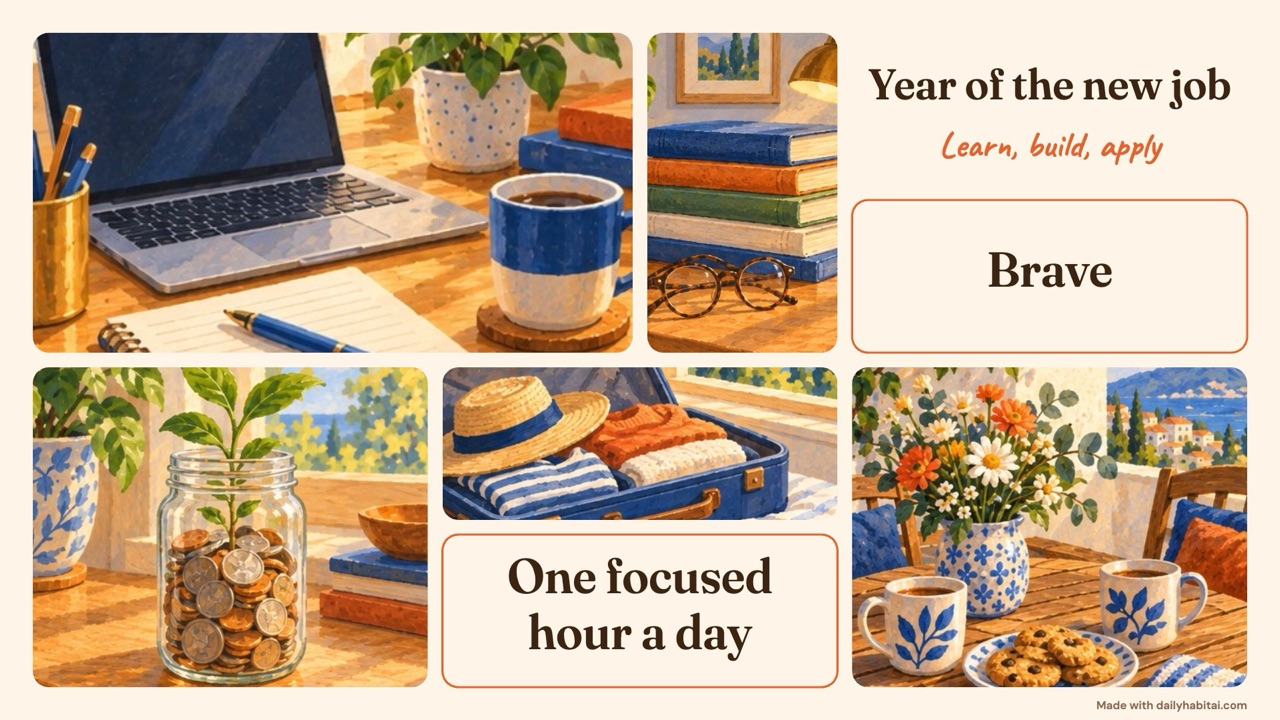
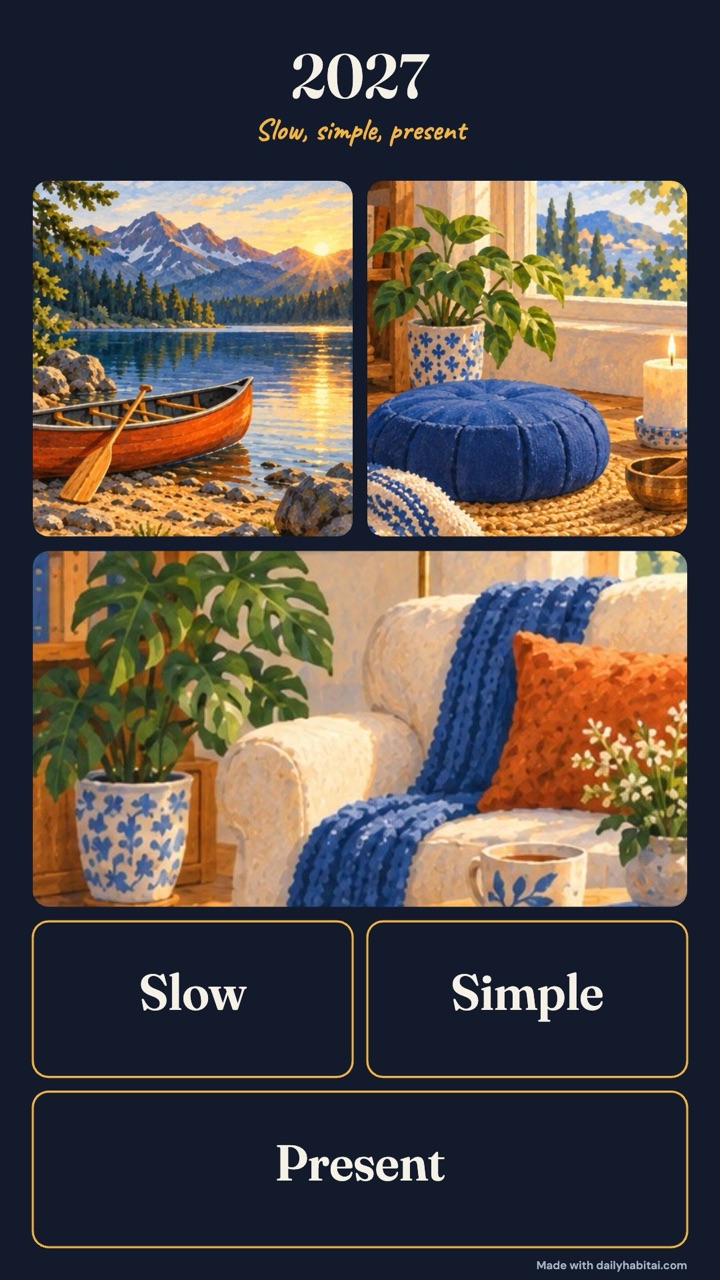
Four boards made with this maker in a few minutes each. Every picture has a short action next to it, which is what makes a board useful after January.
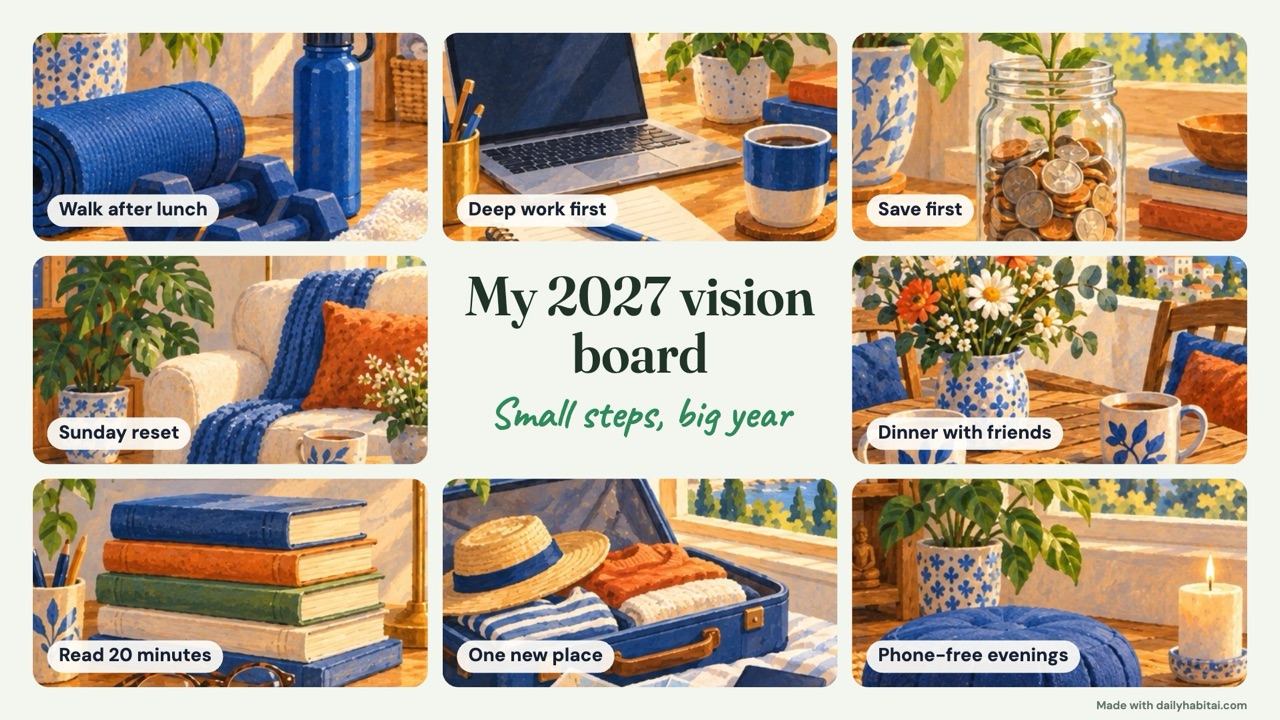
VISION BOARD + DAILYHABITAI APP
How to use your vision board with the DailyHabitAI app
Your board shows what you want. The free app handles the how: one picture becomes a 30-day plan with a small daily step and a reminder. No account, it stays on your phone.
Five ways to use the board and the app together
- Board to plan in about two minutes. In the vision board maker, tap Make it a habit under any tile. The plan builder opens with your goal and your reason already filled in.
- Two nudges a day. Set the board as your lock screen and turn on the app's reminder at your cue time. You see the why on your wallpaper and get the small step from the app.
- Three goals at a time. The app keeps up to three active habits. Pick three tiles for this season, then archive one and bring in the next when it feels easy.
- Busy weeks do not break the board. Every day in the plan has a two-minute hard-day version, so a tile keeps moving even on a bad day.
- A monthly check-in. The app prompts short reviews on days 7, 14, 21 and 28. On the first of each month, look at the board and swap any picture that no longer fits.
Themed vision board examples
Start from a ready-made board and change anything: aesthetic, bucket list, business, career, couples, faith, family, fitness, health, home, money, monthly, polaroid, self-care, self-love, travel, wedding, word of the year. See them all on the vision board examples page.
Do vision boards work?
A board of pictures on its own is not enough, and research explains why. In studies by Oettingen and Mayer, people who spent more time enjoying positive fantasies about a goal (a job, a relationship, a good exam result) later put in less effort and did worse than people who simply expected to succeed. In another study, students who pictured the process of doing well on an exam (when and how they would study) studied more and earned better grades than students who pictured only the good grade.
So use the board as a reminder of what you want, then add the how: one small action per tile, a set time for it and a way to track it. The SMART goals generator and the habit tracker template are made for that step. For the full picture, read do vision boards work?
Vision board ideas to get you started
| Life area | Picture idea | Words idea | Weekly action |
|---|---|---|---|
| Health | Running shoes, a bowl of fruit | Move every day | Three 20-minute walks |
| Career | A bright desk, a finished project | Deep work first | One focused hour before email, 4 days a week |
| Home | A calm, tidy room | Less stuff, more space | A 15-minute Sunday reset |
| Relationships | Friends around a table | More time together | One call or dinner with a friend |
| Learning | A stack of books | Read 24 books | Read 20 minutes after dinner |
| Calm | A quiet window, a cushion | Protect my peace | Phone out of the bedroom, 5 nights |
More in 100+ vision board ideas, how to make a vision board, the 2027 vision board guide and how to make a digital vision board. Making one with children? See vision boards for kids.
Frequently asked questions
Is the vision board maker free?
Yes. There is no sign-up, no watermark you cannot turn off and no limit on downloads. Your board is saved in your own browser so you can come back to it.
Will my whole photo show on the board?
Yes. Photos are fitted automatically: if a photo is a very different shape from its space, the whole photo is shown on a soft blurred background instead of being cut off. Tap the photo to choose Show whole photo or Fill the box, and move the focus with the arrows.
Are my photos uploaded anywhere?
No. Photos you add stay in your browser on this device, at up to 2048 pixels for sharp downloads. They are never sent to our server. If you clear your browser data, the board is cleared too, so download a copy.
What sizes can I download?
Phone wallpaper and Instagram or TikTok story (1080 by 1920), Instagram post (1080 by 1350), square post, Pinterest pin (1000 by 1500), desktop wallpaper, X or LinkedIn post, and print sizes. High quality exports at twice those pixel sizes so posts stay sharp.
What should I put on my vision board?
Three to eight goals across the areas that matter to you, such as health, work, home, relationships, learning and fun. Use one picture or phrase per goal and add a small weekly action for each.
Can I print my vision board?
Yes. Choose Print and the board is rendered at US Letter landscape size. For a larger poster, download the print-size PNG and take it to a copy shop.
Sources and evidence
- Oettingen and Mayer (2002): The motivating function of thinking about the future, expectations versus fantasies — Across four studies, positive fantasies about a desired future predicted less effort and worse outcomes weeks or months later, while positive expectations predicted more effort and success.
- Pham and Taylor (1999): From thought to action, process- versus outcome-based mental simulations — College students who pictured the process of doing well on an exam studied more and earned better grades than students who pictured only a good grade.