Classic grid
Ten tiles around a title. Easy to fill and easy to read at a glance. 10 tiles.
 DailyHabitAI
FREE PRINTABLE · 16 LAYOUTS · PNG
16 free vision board templates: photo collage, polaroid cork board, mood board, 12 months, bucket list, life areas and more. Print blank or fill online.
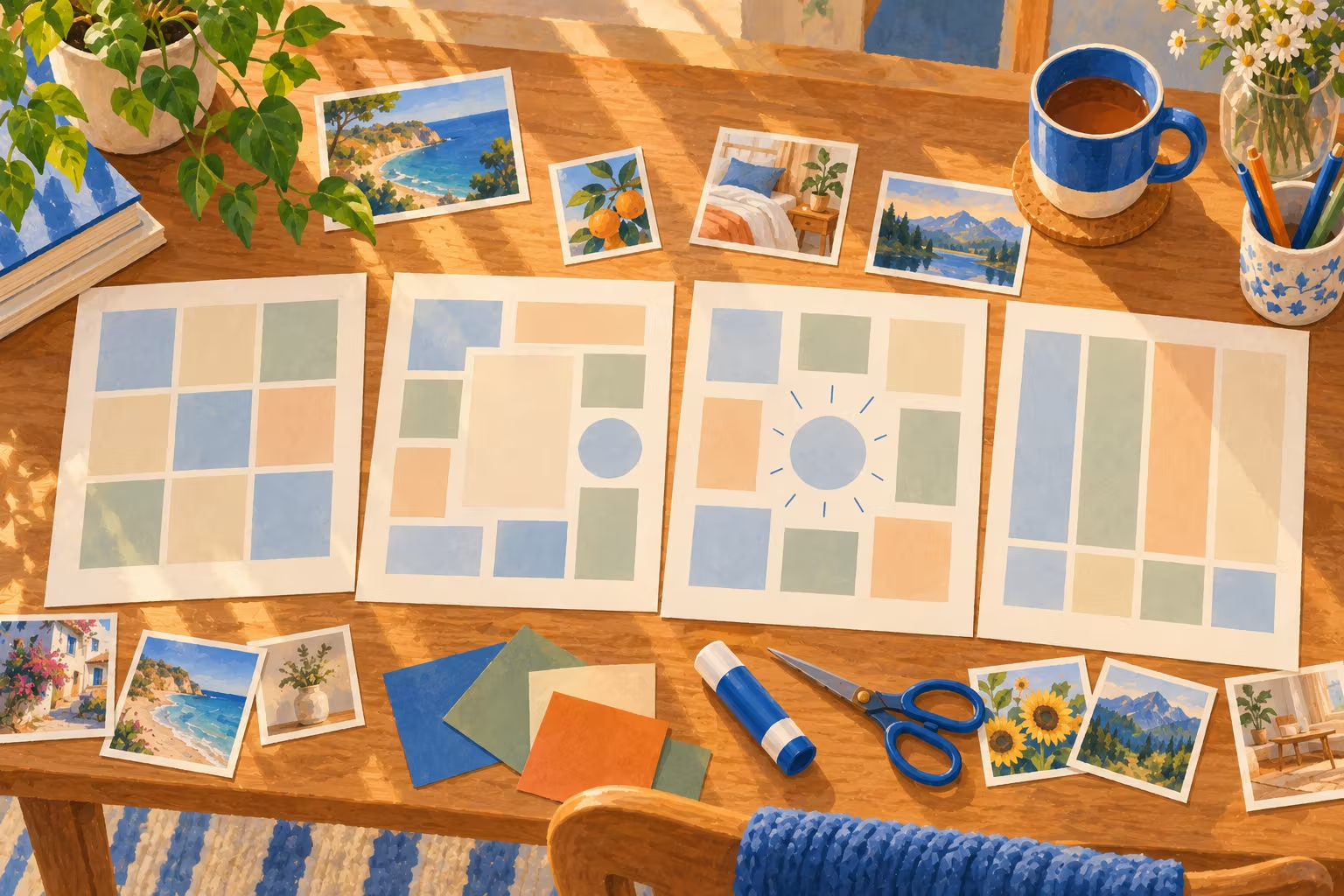
Each preview shows a filled example. Print it blank for a paper board, download it as an image, or open it in the free maker to fill it online.
Ten tiles around a title. Easy to fill and easy to read at a glance. 10 tiles.
Eight areas of life around the year in the middle, so nothing important is left out. 8 tiles.
One big dream in the corner, supported by smaller pictures and two words. 7 tiles.
One picture and one goal for each quarter, so the year has four clear checkpoints. 8 tiles.
Three pictures and three words. Calm, uncluttered and good as a wallpaper. 6 tiles.
A checkerboard of pictures and short phrases, for people who like words as much as images. 12 tiles.
Six big boxes with simple prompts. Children can draw, glue pictures or pick illustrations. 6 tiles.
Twelve photos under a title band. Made for boards with lots of pictures. 12 tiles.
Twenty photos around the title, like a wall of pictures. Great as a desktop or phone wallpaper. 20 tiles.
Nine tilted polaroids pinned to a cork board, each with a handwritten caption. 9 tiles.
A Pinterest-style mood board: three columns of pictures in different heights with two phrases. 9 tiles.
One picture and one small goal for every month of the year. 12 tiles.
Twelve pictures, each with a checkbox caption to tick off during the year. 12 tiles.
Your word of the year in the center, with eight round pictures around it. 8 tiles.
Five pictures on a film strip with a phrase under each. 10 tiles.
One big hero picture with smaller ones beside it, like a magazine layout. 6 tiles.
A vision board template is a ready-made layout with a box for each goal, so you only add the pictures and words. Pick life areas to cover every part of life, a classic grid for a mix of pictures and words, or year by quarter for four checkpoints. Print it blank, or fill it online and download it.
| If you want to… | Use |
|---|---|
| Cover every part of life evenly | Life areas (8 boxes around the year) |
| Mix pictures and your word of the year | Classic grid |
| Focus on one big dream | Collage |
| Plan the year in checkpoints | Year by quarter |
| Make a calm phone or desktop wallpaper | Minimal |
| Use lots of short phrases | Words and images |
| Make one with children | Kids (six big boxes with simple prompts) |
| Use lots of your own photos | Photo collage (12) or Photo wall (20) |
| Recreate a real cork board look | Polaroid cork board |
| Make a Pinterest-style mood board | Mood board |
| Plan the year month by month | 12 months |
| Collect experiences to tick off | Bucket list |
| Center everything on one word | Word of the year |
| Tell the story of a trip or a year | Film strip |
| Focus on one big dream with support around it | Magazine cover |
Paper boards are easier to make together and harder to ignore on a wall. Digital boards live on your lock screen, which you see dozens of times a day. Many people do both: a paper board at home and a phone wallpaper version. See how to make a digital vision board, how to make a vision board step by step and vision board party ideas if you are making them with friends.
Browse 18 themed vision board examples, from fitness and travel to money habits and a word of the year, and open any of them in the maker.
VISION BOARD + DAILYHABITAI APP
Your board shows what you want. The free DailyHabitAI app handles the how: it turns one picture at a time into a 30-day plan with a small daily step, a hard-day version for busy days, weekly reviews and an optional reminder. Everything stays on your phone, with no account.
Research on thinking about the future suggests that enjoying pictures of the goal is not enough on its own; picturing the steps works better. Turn each box into a small, specific plan with the SMART goals generator and follow it with the habit tracker template. More on the evidence in do vision boards work?
For most people, a life areas layout with 6 to 8 boxes works best, because it keeps the board balanced and easy to read. Choose a collage if you have one big dream, or a minimal layout for a phone wallpaper.
Letter or A4 works on a fridge or desk. For a wall, print the PNG as a poster at a copy shop; 18 by 24 inches is a common size.
Yes. Tap Fill it online to open any template in the free vision board maker, which works in a phone browser.
Common categories are health, career, money habits, home, relationships, learning, fun and travel, and calm. Pick the ones that matter this year; you do not need all of them.
New plans, guides and app features, a few times a month at most.