2027
Planner
Steady
Sam Rivera
 DailyHabitAI
FREE PRINTABLE SET · LETTER OR A4 · NO SIGN-UP
Everything a paper planner needs for 2027, in one checklist. Open each printable, press print, tick it off here, then add your own cover.
0 of 8 parts printed · about 95 pages in all
Type your name below, pick one of three designs and press Print cover.
Pick a design, then press Print year. US federal holidays are marked.
On the same page, press Print all 12 months. Turn on the habit strip for one tick box a day. Or open one month:
Write 3 to 5 goals by life area, then press Print. Print blank gives an empty sheet.
Plan Q1 now and print Q2 to Q4 blank: pick the quarter, then Print blank.
One focus, three actions and a habit strip per month. Print blank once and copy it, or print each month as you go.
Choose a design and print one blank week, then photocopy it, or print each week on Sunday.
Type up to 10 habits, pick the month and print. Print blank for the other months.
Ticks are saved on this device.
2027
Planner
Steady
Sam Rivera
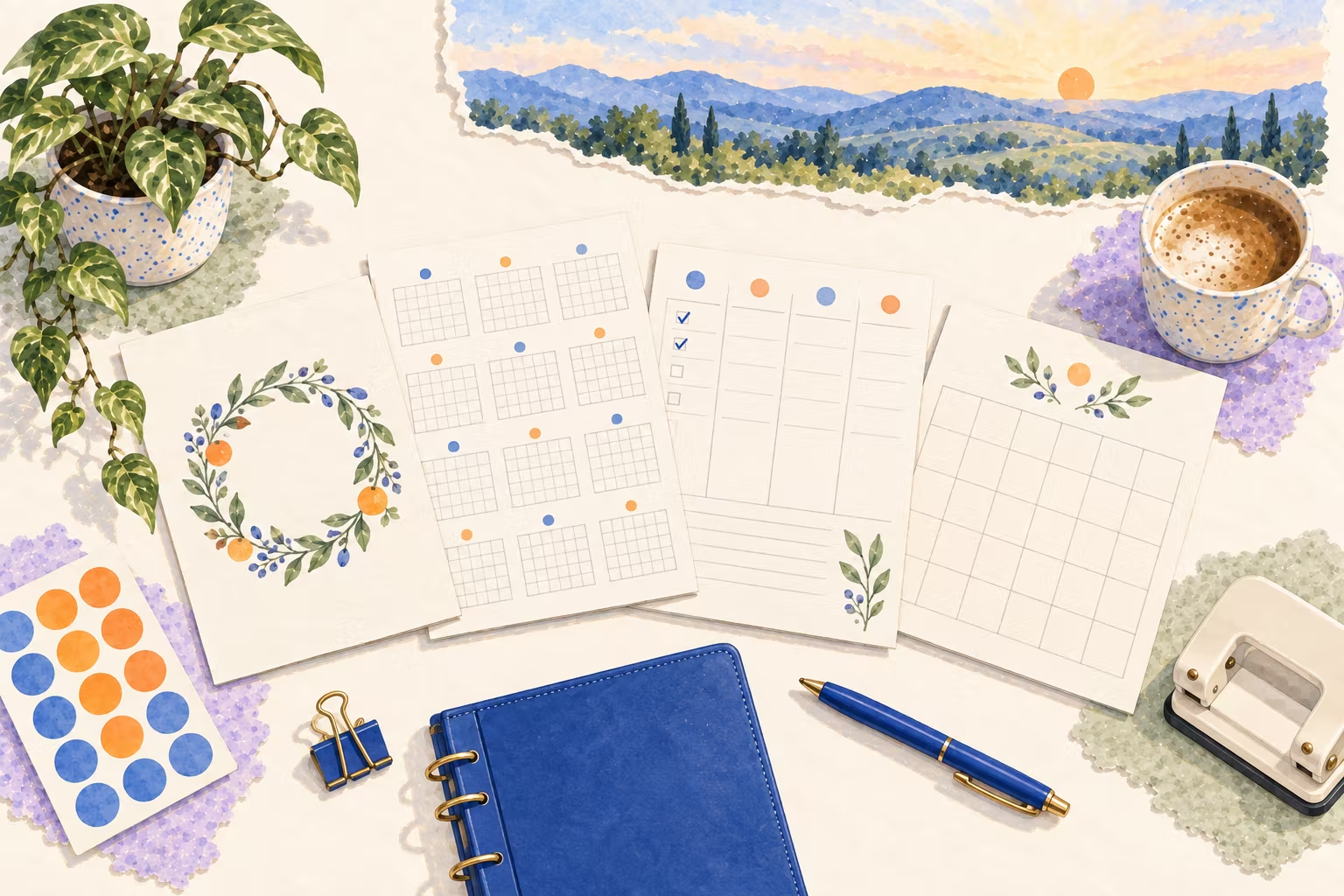
This free 2027 planner is a printable set you build from eight pages: a cover with your name, the year on one page, 12 monthly calendars, yearly, quarterly and monthly goal sheets, a weekly planner and a monthly habit tracker. Print each part from its own page in Letter or A4, tick it off below and bind it in a ring binder.
| Part | Pages | What it is for |
|---|---|---|
| Cover | 1 | Your name, the year and a word for the year, in three designs |
| Year at a glance | 1 | All of 2027 on one page with US federal holidays, for booking trips and deadlines |
| Monthly calendars | 12 | One month per page with holidays in the boxes, notes lines and an optional habit strip |
| Goal sheets | 17 | A yearly goals page, 4 quarterly plans and 12 monthly goal sheets |
| Weekly planner | 52 | Top three priorities, to-dos and notes for each day of the week |
| Habit tracker | 12 | Up to 10 habits a month, one tick box a day |
Print the cover, the year, the yearly goals and January first. Add the weekly pages every Sunday, so the planner never runs ahead of your real weeks. Want a daily page too? The daily planner prints one day with time blocks.
Yes. Every page is free to print at home, with no sign-up and no email. Each printable opens on its own page with a print button, and everything you type stays in your browser on this device.
The full set is about 95 pages: a cover, the year on one page, 12 month pages, a yearly goals sheet, 4 quarterly plans, 12 monthly goal sheets, 12 habit trackers and 52 weekly pages. Most people print the first 30 or so now and the weekly pages as they go.
Yes. Each printable has a Letter or A4 setting, and the cover and goal sheets fit either on one page. In the print dialog, keep scale at 100% and turn off headers and footers.
Yes. Press the print button on each page and choose Save as PDF as the printer. Save the files in the order of the checklist and you have a digital planner you can print later or annotate on a tablet.
A two-inch ring binder with a hole punch is the easiest, and lets you add pages. Disc binding lets you move pages around, and a copy shop can coil-bind the set in a few minutes. A clipboard works for just the current month.
Use whichever you will open every day. Paper is good for seeing a whole week or month at once and for ticking off habits by hand. An app is better for reminders. Many people use both: paper to plan, a phone reminder to start.
Updated .
New plans, guides and app features, a few times a month at most.