No spend challenge: free tracker, rules and printable
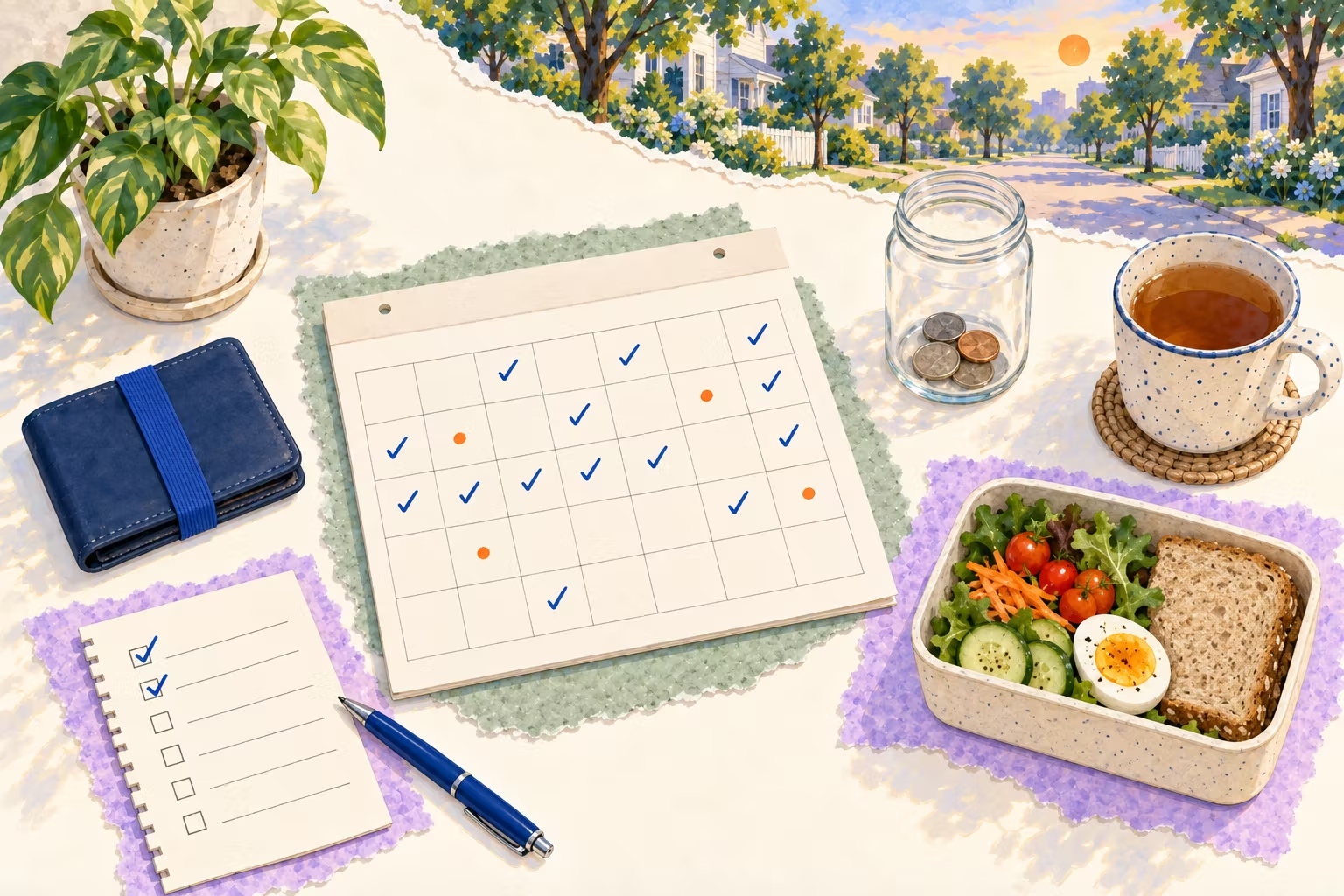
Plan a no spend challenge for 7 days, 30 days or a month: write your rules, mark each day, log the money you did not spend, then print it or save an image.
7 of 30 days on your rules · 3-day streak · $80.50 not spent
30-day no-spend challenge
Sep 20, 2026 to Oct 19, 2026
MonTueWedThuFriSatSun
Monday, Sep 28, 2026 · Day 9
✓Spent nothing EEssentials only ✗Slip
Days on my rules 7 / 30 · Not spent $80.50
Allowed: my essentials
Rent and bills
Groceries from my list
Gas and transit fares
Medicine
Pet food
Not allowed: it can wait
Takeout and delivery
Coffee out
Online shopping
Clothes and shoes
Impulse buys at checkout
dailyhabitai.com/tools/no-spend-challenge/
The short answer
A no spend challenge is a set stretch, usually 7 days, 30 days or a calendar month, when you buy only the essentials you listed in advance, such as rent, bills, groceries from a list and transport. Everything else, like takeout, coffee out and online shopping, waits. Mark each day and note what you skipped to see the money you kept.
How a no spend challenge works: 5 steps
Pick a length. Seven days is a gentle first try. Thirty days or a whole month, like a no spend November or January, is the classic version. Short, clear edges make it easier to keep.
Write your allowed list before day 1. Essentials you will still pay for: rent and bills, groceries from a list, gas or transit fares, medicine, pet food. Deciding now means you are not negotiating at the checkout.
Write your not-allowed list. The spending you want to pause, usually the small things that add up: takeout, coffee out, online shopping, clothes, impulse buys.
Mark every day. Spent nothing, essentials only, or a slip. The CFPB's spending tips start with tracking where your money goes for a week or a month, and in a review of 138 studies, recording progress helped people reach their goals.
Log what you skipped and move it. Type what you did not buy and roughly what it would have cost. Many people move that money to savings the same day so it does not get spent later.
No spend challenge rules: examples
Usually allowed
Usually paused
Decide in advance
Rent, mortgage and utility bills
Takeout and food delivery
A friend's birthday dinner
Groceries from a written list
Coffee and snacks out
A gift you already promised
Gas, parking and transit fares
Online shopping and "just browsing"
Replacing something that breaks
Medicine and health costs
Clothes, shoes and beauty products
Travel that was booked before
Minimum debt payments
New subscriptions and in-app purchases
Work costs your employer repays
The third column is where most challenges break. Write down how you will handle those days now: allow them and mark the day "essentials only", or set a small fixed amount for them. A planned exception is not a failure.
What to do when you slip
Mark the day as a slip and keep going; one purchase does not reset the challenge. Then look at the trigger. The same few come up again and again: sale emails, saved cards in shopping apps, being tired and hungry after work, and boredom scrolling. Unsubscribe from store emails, remove saved card details, keep a snack in your bag and put a 48-hour wait on anything you still want. If you want to try a longer version that pauses one kind of purchase for months, read the no buy challenge guide.
After the challenge: keep the money
The days add up only if the money lands somewhere. Move what you did not spend into savings, then keep the habit going with a savings challenge tracker, like the 52-week challenge or the 100 envelope challenge. The Federal Reserve's 2025 survey found that 63% of adults would cover a $400 emergency expense with cash or its equivalent, so even a small emergency fund puts you ahead of a surprise bill. For bills that come once or twice a year, the sinking funds guide shows how to set aside a little each month.
This page is about spending habits and gives general information only, not financial advice. The amounts you type stay on your device.
Frequently asked questions
What is a no spend challenge?
A set number of days when you pause spending on anything that is not an essential. You still pay bills and buy what you listed as allowed, such as groceries from a list; you skip extras like takeout, coffee out, clothes and online shopping.
What counts as an essential?
Whatever you write on your allowed list before you start: usually rent and bills, groceries from a list, gas or transit fares, medicine and debt payments. Deciding in advance is the point, so you are not arguing with yourself at the checkout.
How long should a no spend challenge be?
Seven days is a good first try; 30 days or a whole calendar month, such as a no spend November or January, is the most common. You can also set a custom length of 2 to 92 days. Pick the length, then your start date, and the calendar lays out every day.
What is the difference between a no spend and a no buy challenge?
People use both names, but a no spend challenge usually runs for days or weeks and pauses almost all extras, while a no buy challenge often lasts months or a year and bans one kind of purchase, like clothes or beauty products. Our no buy challenge guide compares them with a low buy version.
What if I slip and buy something?
Mark the day as a slip and carry on with the next day. One purchase does not reset the challenge. Look at what led to it, such as a sale email or being tired and hungry, and add a small fix like unsubscribing or packing a snack.
What should I do with the money I did not spend?
Many people move it to savings the same day, so it does not quietly get spent later. Log it on the day, then use the savings challenge tracker to see it add up toward an emergency fund or a goal. This page does not give financial advice.
Can I print a no spend tracker?
Yes. Print gives your own rules, calendar and marks on one Letter or A4 page in four designs; Print blank template gives the same page empty to fill in by hand. Save as image makes a PNG for your phone or in paper shape.
Is my challenge saved?
Yes, in this browser on this device, including your rules, marks and amounts. Nothing is sent to our server and there is no sign-up. The amounts you type are your own notes; we never see them.