9 of 52 books
 DailyHabitAI
BOOKSHELF TRACKER · READING JOURNAL · PRINTABLE
Free book tracker: fill a bookshelf of 12, 24, 52 or 100 spines as you finish books, then print it with reading journal pages. No sign-up.
9 of 52 books
Tap a book to edit it, or an empty spine to add one.
Reading journal
Title
Author
Format Print E-book Audio
Rating ☆☆☆☆☆
Why I picked it up
Favorite quote page ____
Characters or ideas I want to remember
My thoughts
Would I recommend it? To whom?
Three words for this book
dailyhabitai.com/tools/book-tracker/
Reading journal
Four books, one page
Title
Author
Rating ☆☆☆☆☆
Favorite quote
Thoughts
Title
Author
Rating ☆☆☆☆☆
Favorite quote
Thoughts
Title
Author
Rating ☆☆☆☆☆
Favorite quote
Thoughts
Title
Author
Rating ☆☆☆☆☆
Favorite quote
Thoughts
dailyhabitai.com/tools/book-tracker/
Monthly reading summary
January 2026
| # | Title | Author | Pages | Rating |
|---|---|---|---|---|
| 1 | ☆☆☆☆☆ | |||
| 2 | ☆☆☆☆☆ | |||
| 3 | ☆☆☆☆☆ | |||
| 4 | ☆☆☆☆☆ | |||
| 5 | ☆☆☆☆☆ | |||
| 6 | ☆☆☆☆☆ | |||
| 7 | ☆☆☆☆☆ | |||
| 8 | ☆☆☆☆☆ |
Books finished
Pages read
Book of the month
Best quote of the month
Up next: books I want to read
Did not finish, and why
What this month’s reading gave me
dailyhabitai.com/tools/book-tracker/
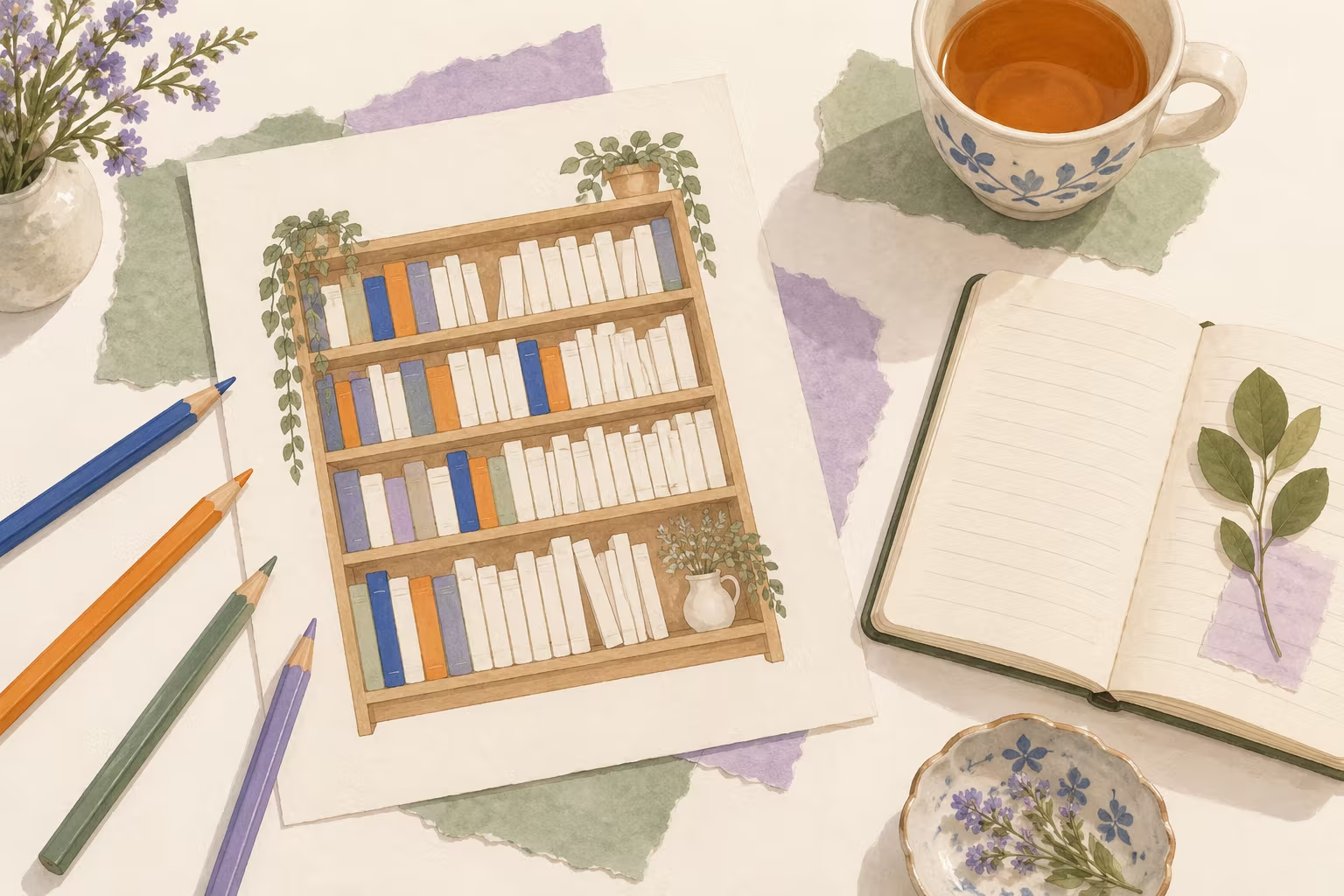
A book tracker is a record of every book you finish in a year. The bookshelf version is a drawing of empty spines, 12, 24, 52 or 100 of them: each time you finish a book, color in the next spine and write the title on it. Add a reading journal page for the books you want to remember.
Prefer paper? Print a blank bookshelf and color a spine by hand each time you finish a book. Every printout fits on one US Letter or A4 page.
All three record reading, but they answer different questions. Pick the one that matches what you want to see.
| Tool | What it records | Best for |
|---|---|---|
| Book tracker (bookshelf) | One spine for each book you finish, with title, author, rating and color | Seeing a yearly goal fill up, like 24 or 52 books |
| Reading log | Dates, pages or minutes for each day you read | Building a daily reading habit, kids’ reading minutes |
| Reading journal | A page of thoughts, quotes and ratings for each book | Remembering what you read, book clubs |
For day-by-day records, such as 20 minutes before bed or a school reading log with a parent’s initials, use the printable reading log. This page covers the other two: the bookshelf for books finished, and the journal pages for what you thought of them. Many readers use a log for the habit and a bookshelf for the result.
Choose the shelf by the reading time you have, not by the number that sounds impressive. At 300 pages a book and an average silent reading speed of 238 words a minute (275 words a page), each shelf needs about this much a day:
| Spines | Pace | Pages a day | Minutes a day |
|---|---|---|---|
| 12 books | One a month | About 10 | About 11 |
| 24 books | Two a month | About 20 | About 23 |
| 52 books | One a week | About 43 | About 49 |
| 100 books | About two a week | About 82 | About 95 |
Shorter books, audiobooks and weekends change the numbers, so treat them as a guide. To check a specific book, use the reading time calculator, and see how many pages you should read a day to turn a yearly goal into a daily one. If you read more books than you have spines, switch to a bigger shelf: every book stays on your list.
A journal page does not need an essay. Answer one or two of these when you finish a book, and write from memory before you look anything up.
Writing from memory is a small form of retrieval practice. In a classic experiment, students who wrote down what they remembered from prose passages recalled more a week later than students who spent the same time rereading them. A three-sentence summary on your journal page works the same way. For more ideas, the journal prompt finder has over 300 prompts by mood and topic.
Choose a book under Journal pages and the page prints with its title, author, finish date, rating, quote and notes already filled in. Leave it on A blank page to print empty templates to write in by hand.
It can help you keep going. In a meta-analysis of 138 studies, people who monitored their progress toward a goal were more likely to reach it, and the effect was larger when progress was physically recorded, such as written down or drawn. Those studies covered many kinds of goals, not reading trackers specifically. Fewer adults read books than a decade ago: what research says about reading for pleasure covers the numbers and what regular reading is linked with. The tracker shows the result; the daily habit behind it comes from a fixed reading moment and a book within reach, as in our guide to good reading habits.
Want a target with more variety? The reading challenge gives you 52 prompts, one a week, and each book you read for it can go on your shelf too. To choose the books first, put them in the reading list maker, and for ways to fit more reading into a normal day see how to read more.
A book tracker is a record of the books you finish, usually for one year. The bookshelf kind shows each book as a colored spine on a drawn shelf, so you can see your progress toward a goal like 24 or 52 books. Others are simple lists with the title, author, date and rating.
A book tracker counts finished books toward a yearly goal. A reading log records each day you read, with pages or minutes, which suits a daily habit or a school log. A reading journal holds your thoughts on each book: quotes, ratings and notes. This page has the tracker and the journal pages; the reading log is a separate tool.
Print the blank bookshelf and keep it inside your current book or on the fridge. Each time you finish a book, color the next spine and write the title down it. Choose a color system before you start, such as one color per genre, and write it in the color key at the bottom of the page.
Pick a number you can finish with the time you have. At 300 pages a book and an average reading speed, 12 books a year is about 11 minutes of reading a day, 24 books about 23 minutes, 52 books about 49 minutes and 100 books about 95 minutes.
The title, author, dates and rating, then a few lines: why you picked the book, a quote you want to keep and what you thought of it. A three-sentence summary written from memory helps you remember the book later. Use the 14 prompts on this page when you are stuck.
Yes. Print your filled bookshelf, a blank bookshelf to color by hand, a journal page for one book, four books on one page or a monthly reading summary. Each fits on one US Letter or A4 page. Choose Save as PDF in the print dialog to keep a file.
On your own tracker, yes, if listening is how you read that book. Give audiobooks their own spine color, or tick Audio on the journal page, so you can see your mix of print, e-book and audio at the end of the year.
Every book stays on your list. Switch to a bigger shelf, for example from 24 to 52 spines, and the extra books appear on the new spines.
Yes, in this browser on this device, including ratings, quotes and notes. Nothing is sent to our server and there is no sign-up. Print the shelf or save it as an image to keep a copy elsewhere.
New plans, guides and app features, a few times a month at most.